
Fraud & Safety Tips
There are so many different frauds, scams and ways for all of us to have our identity compromised. It is important for us to be focused on protecting our lives.
View more safety tips
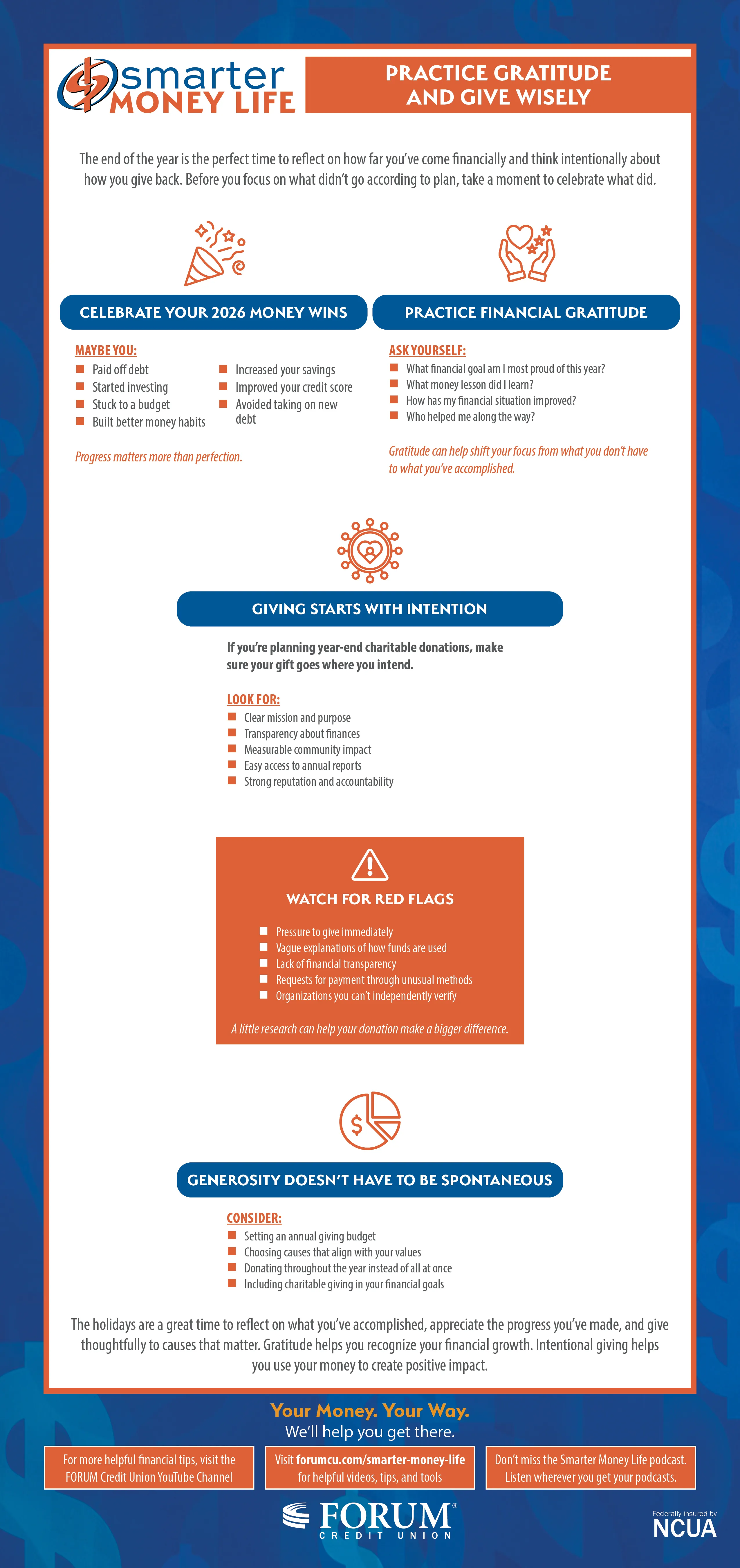
Practice Gratitude and Give Wisely
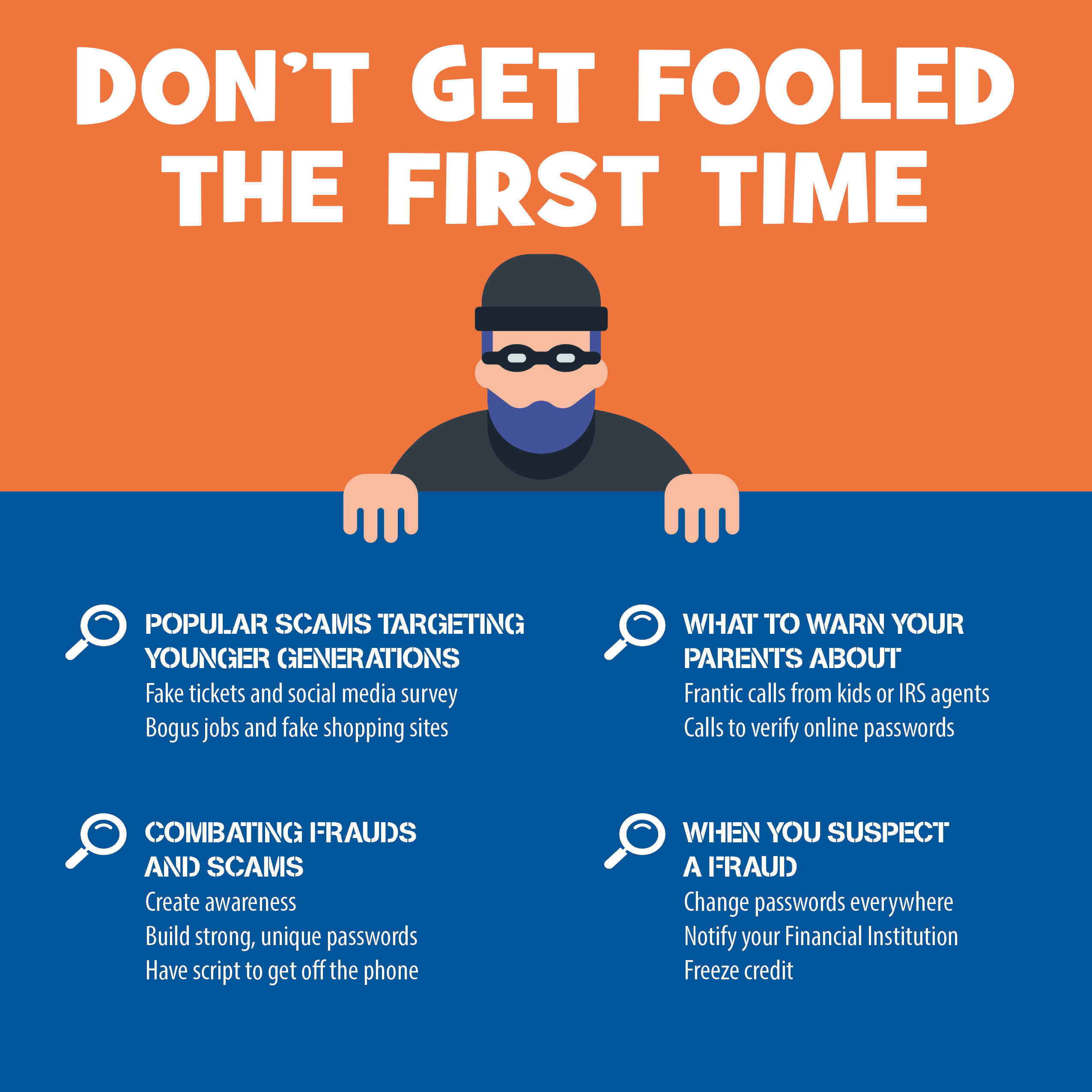
Tips for Protecting Your Parents From Scams
Strange Email Domains
Legitimate emails from banks and other companies use a domain that matches the organization's name. If the domain email is a public one (like Gmail) and it doesn't match the company name, or if it is misspelled, then it is most likely a fake.
Poor Writing and Grammar
Financial institutions and other companies don't send out emails with bad grammar or misspellings. If you get an email with typos or strange and unusual phrases, it's likely a phishing email.
Urgent Deadlines
Phishing emails try to get you to react quickly without thinking by imposing immediate deadlines with dire consequences. Legitimate companies won't do that.
Suspicious Attachments
When an email includes unfamiliar attachments, such as high dollar invoices or receipts to items you did not purchase, you may instinctively click on it looking for more information. Don't. They often contain malware that can download your personal information.
Personal Information Requests
Phishing emails sometimes link to web pages where you're asked to "confirm" personal account or login credentials. Reputable companies will not make a request like this by email, text, or over the phone.
If Your Online Romance Turns Out to be a Financial Scam
Contact your bank immediately – If you've already sent money to a scammer, don't let pride stop you from taking action. Contact your bank or credit card company right away.
Break off contact right away – Scammers are experts at manipulating your emotions. Avoid letting them persuade you into actions you know are wrong, such as sending them money.
Report the scam to the authorities - Bring as much identifying information as you can to your local police, the FBI, and the Federal Trade Commission (FTC), including email addresses or phone numbers.
Remember to contact the app or website where you met the scammer. The digital fingerprints they have may be of help to law enforcement.
Stay one step ahead of scammers - The best way to protect yourself from a scam is to prevent it from happening. Be careful about the private information you post online and who can see it.
Don't give away a personal email or phone number to someone you haven't met in person. Don't be manipulated into responding to urgent requests.
5 Ways to Tell a Deepfake From the Real Thing
Protecting Yourself Online with Multifactor Authentication
Enable MFA on the accounts you use the most – By targeting vulnerable accounts, cyber criminals can gain access to all your data.
Favorite targets include email, financial services, social media, online merchants, gaming platforms, and streaming services.
Where to find MFA on most apps and websites – Under the security settings, you can usually find options that allow you to enable MFA. They may be listed as "Two-Factor Authentication," "Multifactor Authentication," or "Two-Step Factor Authentication."
Enable MFA for personal and business use - As an integral part of your online security, MFA protects your personal data while helping businesses remain compliant with data protection regulations.
This can potentially reduce legal liability if your business site is compromised.
Learn to recognize the signs of an attack - Getting an unexpected email about password or account information that's been changed, unfamiliar login attempts, or phishing emails containing personal data are all danger signs. Change passwords and add MFA immediately.
Resources
You can learn more at our Privacy Policy page.